
At first glance, deleting a product category on your eCommerce website may seem harmless—perhaps you’re cleaning up unused categories, or simplifying your store structure. But as we recently experienced with a client project, deleting a category without a proper plan can create chaos for your SEO, your users, and ultimately your business.
Let’s break down what happened, what went wrong, and what every business should always do before removing a product category.
The Situation:
Our SEO and development teams had been working hard on a client’s website to clean up technical SEO issues and improve the site’s structure. During this work, we discovered hundreds of 404 errors—broken links where pages no longer existed.
After a deep investigation, we found two major issues:
- Many of the 404s were caused by products imported through custom code that assigned them to a specific category. However, because the canonical URLs were auto-generated, some pointed to an “Uncategorized” category path that didn’t exist, creating broken links.
- More recently, the client removed a key product category — one that was used by many existing products — in an effort to simplify the site’s structure. Unfortunately, no redirects were set up, which caused a significant spike in 404 errors for URLs that previously relied on that category.
The result?
- Hundreds of URLs returning 404 errors
- Search engines wasting crawl budget on non-existent pages
- Lost SEO equity from previously indexed URLs
- Potential customer confusion and frustration
Why Deleting a Category Can Be Dangerous
Before you hit that “Delete” button on a product category, consider this:
SEO Impact: Every URL tied to that category (including product URLs that included the category path) will break, unless handled properly. Search engines will eventually deindex these URLs, but not before wasting crawl budget and potentially lowering your site’s SEO health.
User Experience: Customers who bookmarked links, found your pages via search, or navigated your internal links will land on 404 error pages. This frustrates users and can hurt your conversion rates.
Internal Linking: Your website’s own links—to product pages, category archives, sitemaps, etc.—will all need to be updated. Otherwise, you’re littering your site with dead ends.
Analytics Disruption: You lose visibility on product engagement and traffic patterns if users are landing on broken URLs.
How to properly delete product category without harming SEO
Our experience highlights critical steps that should always be part of a category cleanup:
1. Implement Redirects Before Deletion
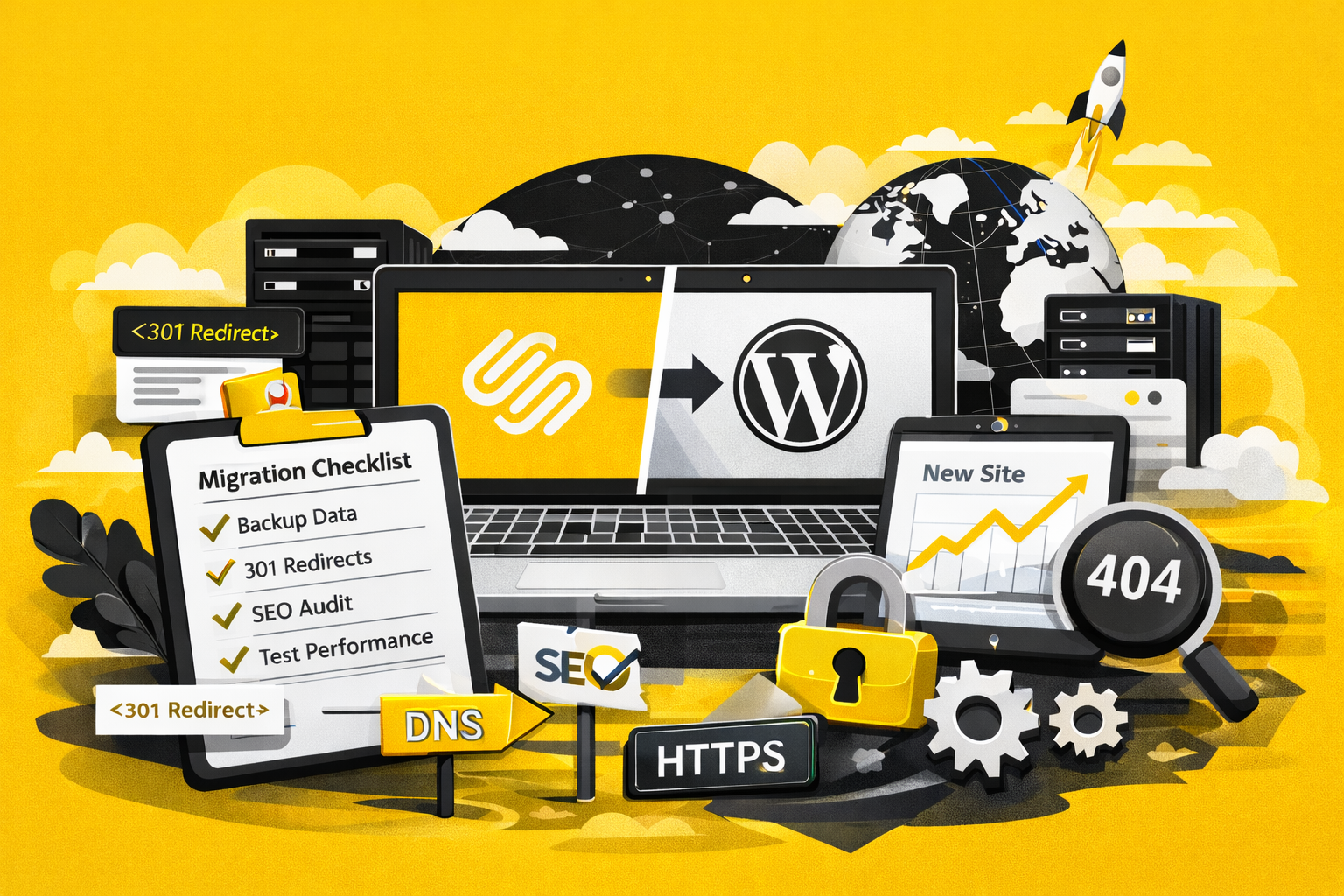
Before deleting a category, identify all URLs that depend on that category path. Set up 301 redirects to point those URLs to relevant alternatives (another category, parent category, or product page). This preserves SEO value and ensures a smooth user journey.
2. Audit & Fix Internal Links
Your menus, product listings, sitemaps, and any other internal links must be updated to reflect the new structure. This prevents users and search engines from running into broken links.
3. Update Your Sitemap & SEO Settings
Remove deleted categories from your sitemap and ensure your SEO plugin (e.g., Yoast, RankMath) isn’t still referencing them. If categories or products shouldn’t be indexed (e.g., temporary configure-products), set them as noindex.
4. Consider Alternatives Before Deletion
Ask yourself: is deleting the category truly the best solution? Could you hide it from the catalog instead? Could you merge it with another category? Sometimes the perceived “cleanup” can do more harm than good.
Key Takeaways: Protect Your Site Before You Clean Up
Deleting a product category is not just a backend action—it’s a decision that ripples across SEO, user experience, and analytics.
Never delete a product category without:
- Creating a proper redirect plan
- Fixing internal and external links
- Cleaning up your sitemap and indexation settings
- Consulting your SEO and development teams
Final Thought
In our client’s case, what seemed like a simple cleanup led to hundreds of 404s, lost SEO value, and a scramble to repair the damage. The lesson? Think strategically before you delete, and always have a cleanup plan ready.
If you’re considering a major site restructure or product category cleanup, let our team help ensure it’s done right—without harming your SEO or your business.